Customizing a module, and then running on your HPC (it needs singularity of apptainer)
Run the module locally using the ‘Running a custom module locally’ guide on this site.
If you are comfortable with docker, you can also just pull the repo and do docker build -t {your dockhub username}/{the module name} /the/repo/you/are/building
Create a personal dockerhub account move your docker image between your local image
https://hub.docker.com/
Create a dockerhub repo named the module
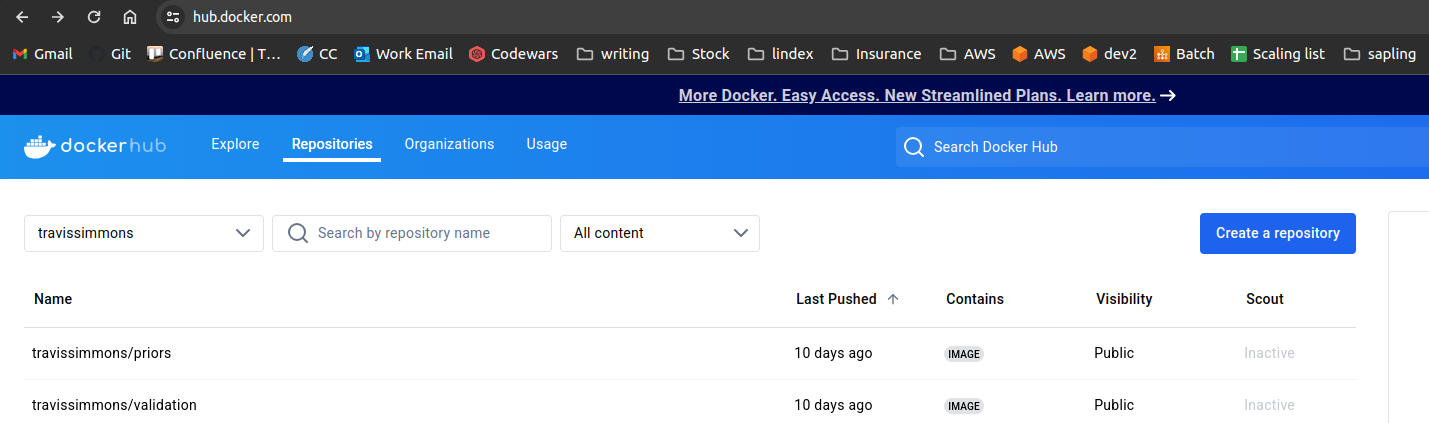
for example, for the priors module, my dockerhub repo link is travissimmons/priors
upload your testd image to your dockerhub (run this step locally)
for example to upload my custom priors module:
’’’ sudo docker -t travissimmons/priors /your/priors/repo docker push travissimmons/priors ‘’’
Git clone the run-confluence-locally repo (on your hpc from here on out)
’’’ git Command here ‘’’
Fill out and run run-confluence-locally/run_confluence_HPC.ipynb
This generates a bash script that can be submitted to a job scheduler
submit to a job scheduler